Your Documents, Always Up to Date
A furniture company prints assembly instructions on every box. Six months later, they improve the instructions based on customer feedback. With traditional printing, they'd need to trash thousands of boxes. With a PDF QR code, they just upload the new PDF - every box now shows the updated instructions.
PDF QR codes create a beautiful landing page where visitors can view or download your documents. Upload multiple PDFs, update them anytime, and never reprint your QR codes.
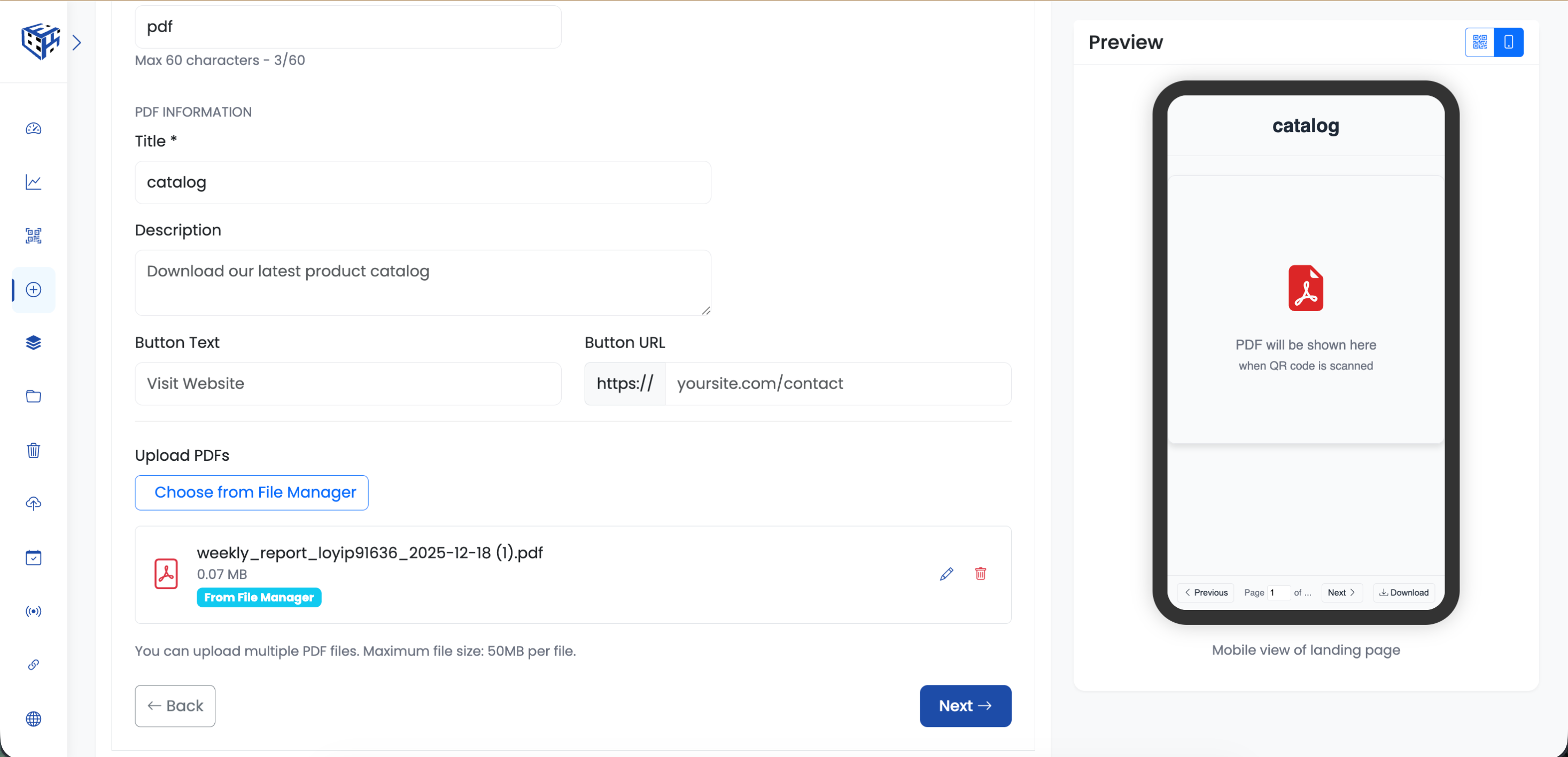
Visitors see a clean landing page with your PDF documents
What Visitors See
A clean, mobile-friendly page with your branding, document title, description, and PDF files. Visitors can view PDFs directly in their browser or download them with one tap.
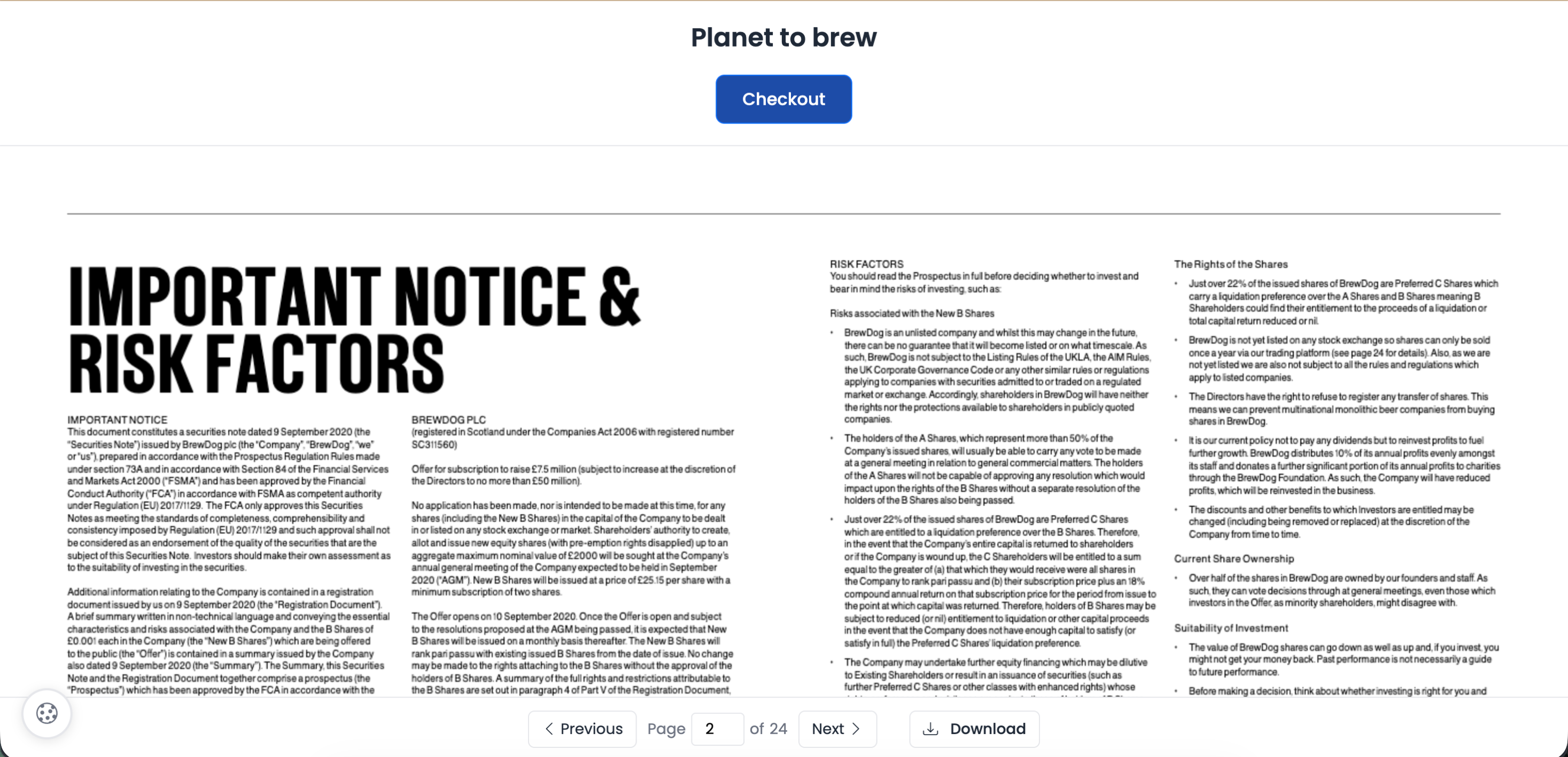
Clean landing page with PDF viewer
Available Fields
| Field | Description | Limit |
|---|---|---|
| Title | Headline visitors see first | 60 characters |
| Description | Context about the document | 160 characters |
| PDF Files | Upload one or multiple PDFs | 50MB per file |
| Button (optional) | Link to your website or store | Text + URL |
Key Features
| Feature | What It Does |
|---|---|
| Multiple PDFs | Bundle related documents - main guide + quick reference + FAQ |
| In-browser viewing | Visitors read without downloading - great for menus |
| One-click download | Download button for offline access |
| Instant updates | Replace PDF anytime - all QR codes show new version |
Real Business Examples
| Business | How They Use It |
|---|---|
| Restaurant | Daily menu + wine list + dessert menu - update prices instantly |
| Real estate agent | Property brochure + floor plan + neighborhood guide |
| Manufacturer | User manual + safety guide + warranty info |
| Event organizer | Conference schedule + speaker bios + venue map |
| Sales team | Product catalog + price list + order form |
Tip
Upload multiple related PDFs to one QR code. A real estate agent can include the brochure, floor plan, and neighborhood guide - visitors get everything in one scan.
Still facing difficulties?
Click here to contact our support team for assistance