One QR for Both Platforms
A gym prints 10,000 flyers promoting their fitness app. Half their customers use iPhones, half use Android. Instead of printing two different QR codes, they use one App Download QR. iPhone users automatically go to App Store. Android users go to Play Store. Same flyer, same QR, right store.
App Download QR codes detect the user's device and redirect to the correct app store. Or show a landing page with buttons for both platforms.
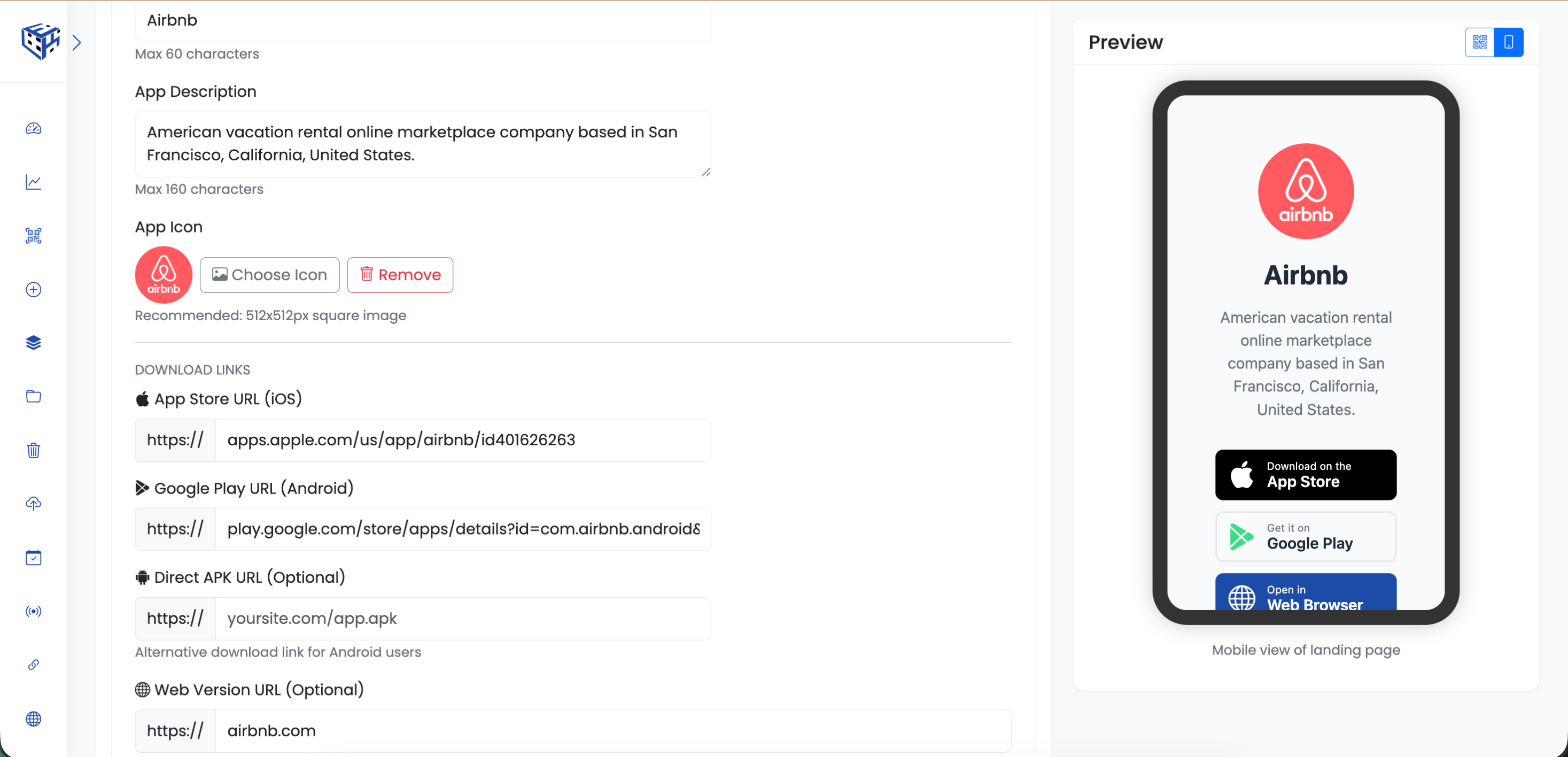
Add store links and app details
What Visitors See
With auto-redirect ON: Users go directly to the right app store. With auto-redirect OFF: Users see a landing page with your app icon, description, screenshots, and download buttons for all platforms.
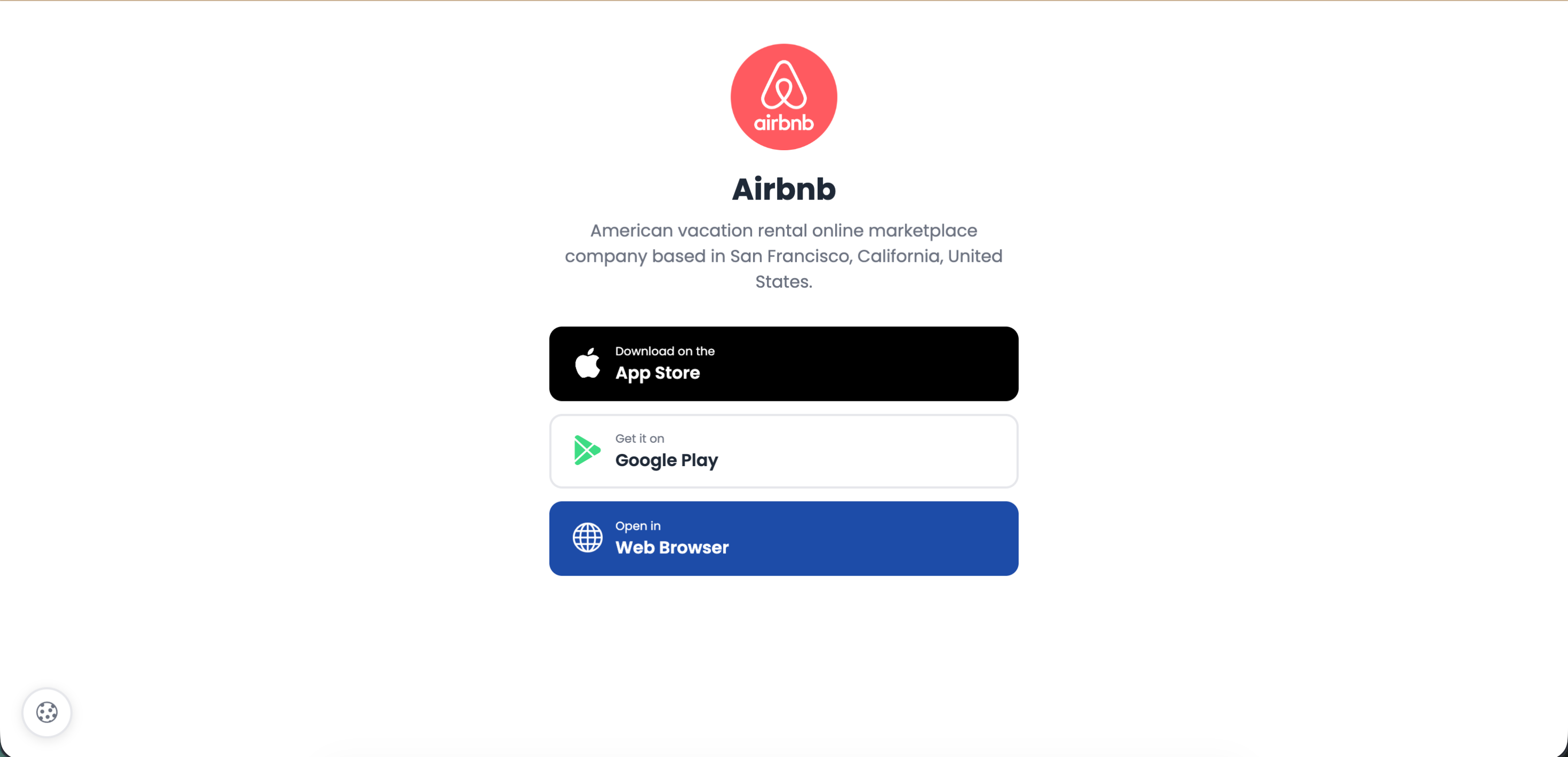
Landing page with App Store and Google Play buttons
Download Links
| Platform | When to Use |
|---|---|
| App Store (iOS) | Your Apple App Store link |
| Google Play (Android) | Your Play Store link |
| Direct APK (optional) | Self-hosted Android download |
| Web Version (optional) | For desktop users who scan |
Available Fields
| Field | Description | Limit |
|---|---|---|
| App Name | Your app's name | 60 characters |
| App Description | What the app does | 160 characters |
| App Icon | Square app icon | 512x512px recommended |
| Screenshots | Preview images | Up to 5 |
| Auto-redirect | Skip landing page, go straight to store | On/Off |
Real Examples
| Business | Where They Put QR |
|---|---|
| Restaurant chain | Table tents - download ordering app |
| Gym/fitness | Flyers, posters - download workout app |
| Retail store | Receipts, packaging - download loyalty app |
| Conference organizer | Badges, signage - download event app |
| SaaS company | Website, emails - download mobile app |
Tip
Turn auto-redirect OFF if you want to show screenshots and build excitement. Turn it ON for fastest path to download.
Still facing difficulties?
Click here to contact our support team for assistance