Creating an ElkQR account is quick and easy. Get started with your 14-day free trial in under 2 minutes.
Go to the Signup Page
Visit elkqr.com and click the "Get Started" button in the top right corner.
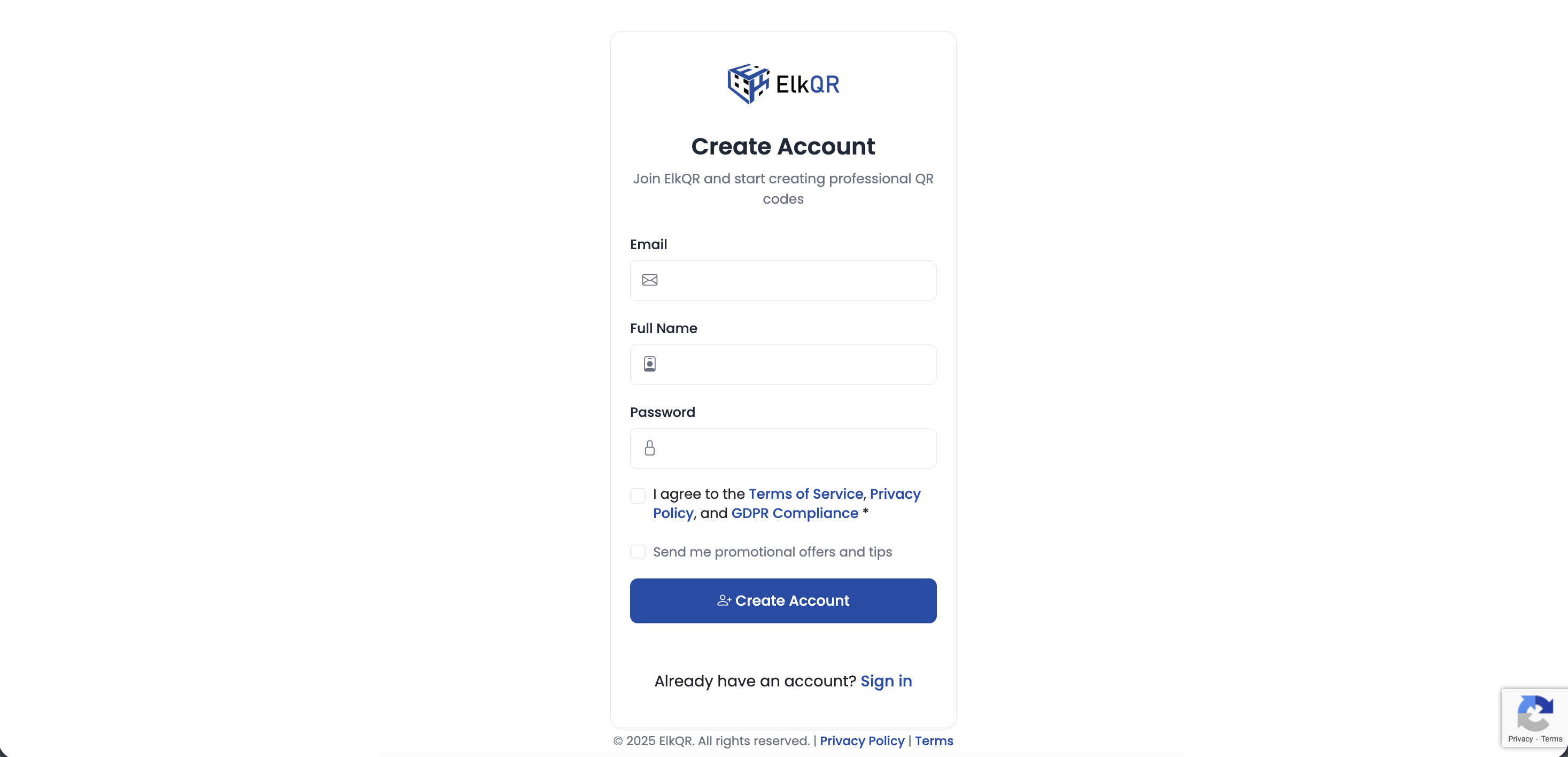
Click Get Started to begin registration
Fill in the Registration Form
Enter your email, full name, and create a password.
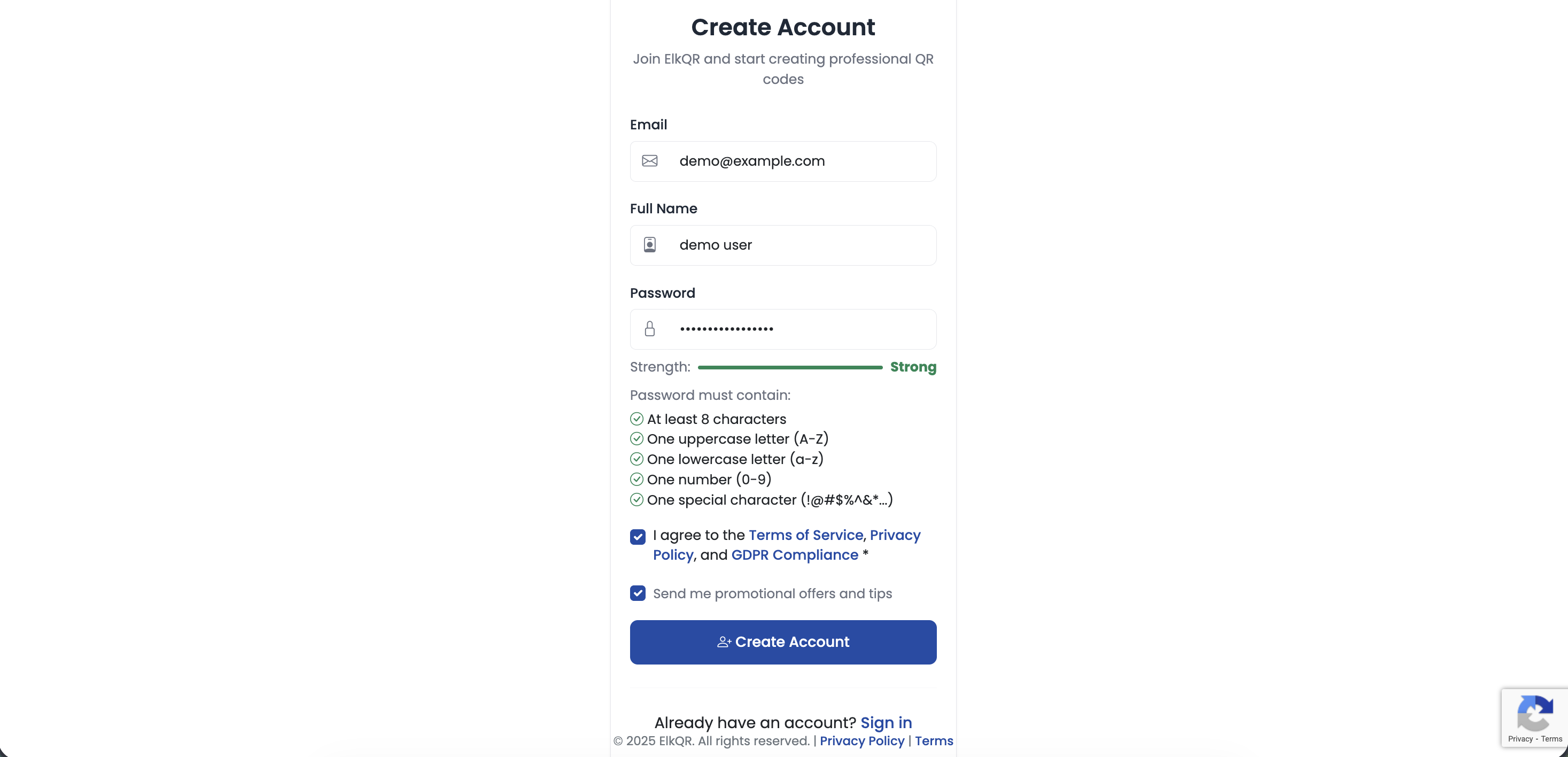
Fill in your details on the registration form
Password Requirements
- Minimum 8 characters
- At least one uppercase letter (A-Z)
- At least one lowercase letter (a-z)
- At least one number (0-9)
- At least one special character (!@#$%^&*)
Tip
The password strength indicator shows you how strong your password is in real-time. Click Create Account to submit.
Verify Your Email
Check your inbox for a verification email from ElkQR and click the verification link.
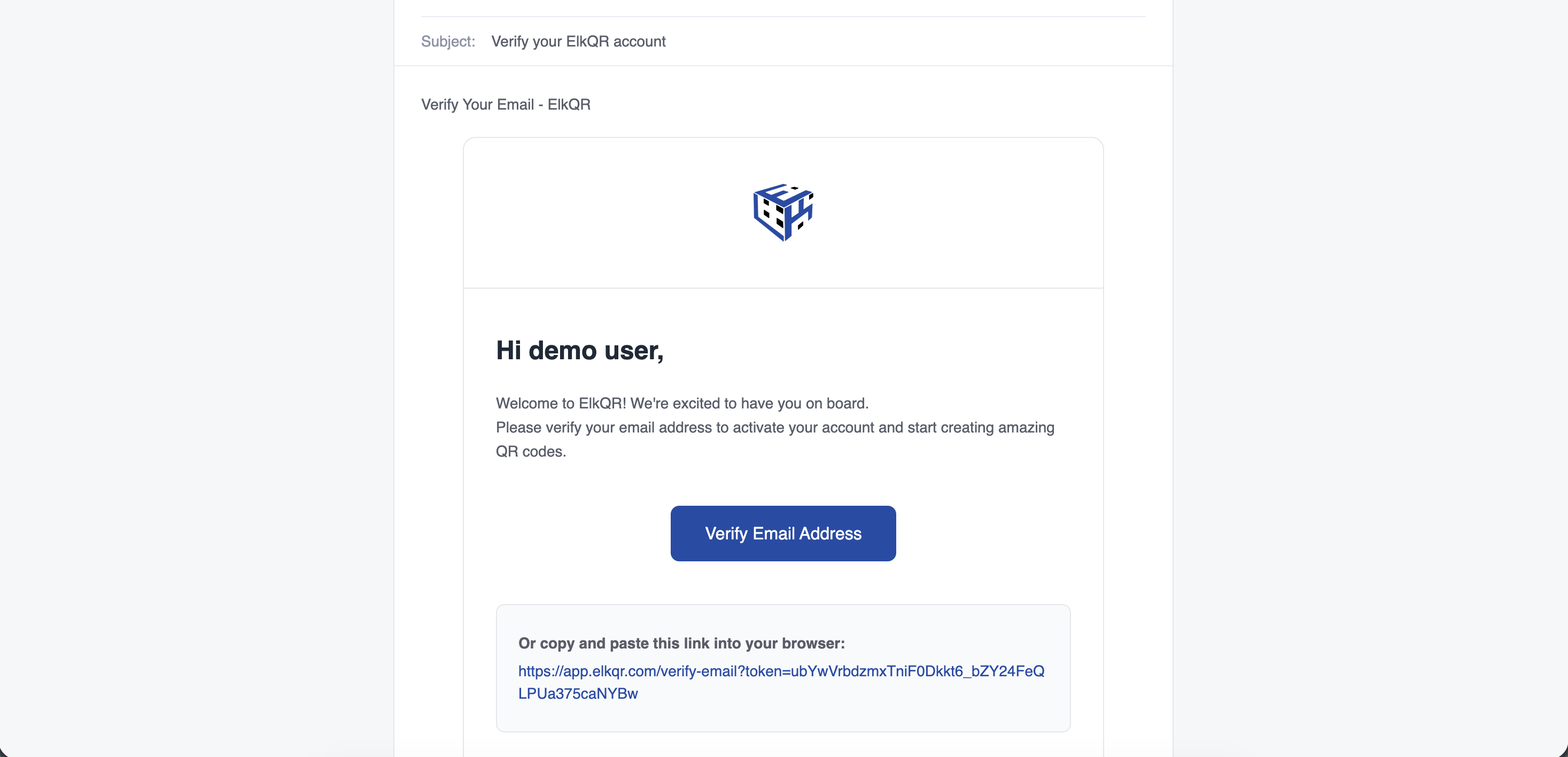
Click the verification link in your email
Note
The verification link expires in 24 hours. Check your spam folder if you don't see the email.
Create Your First Workspace
Once verified, you need to create your first workspace. A workspace is where you organize and manage your QR codes. Click Create Workspace, give it a name, and you're ready to go.
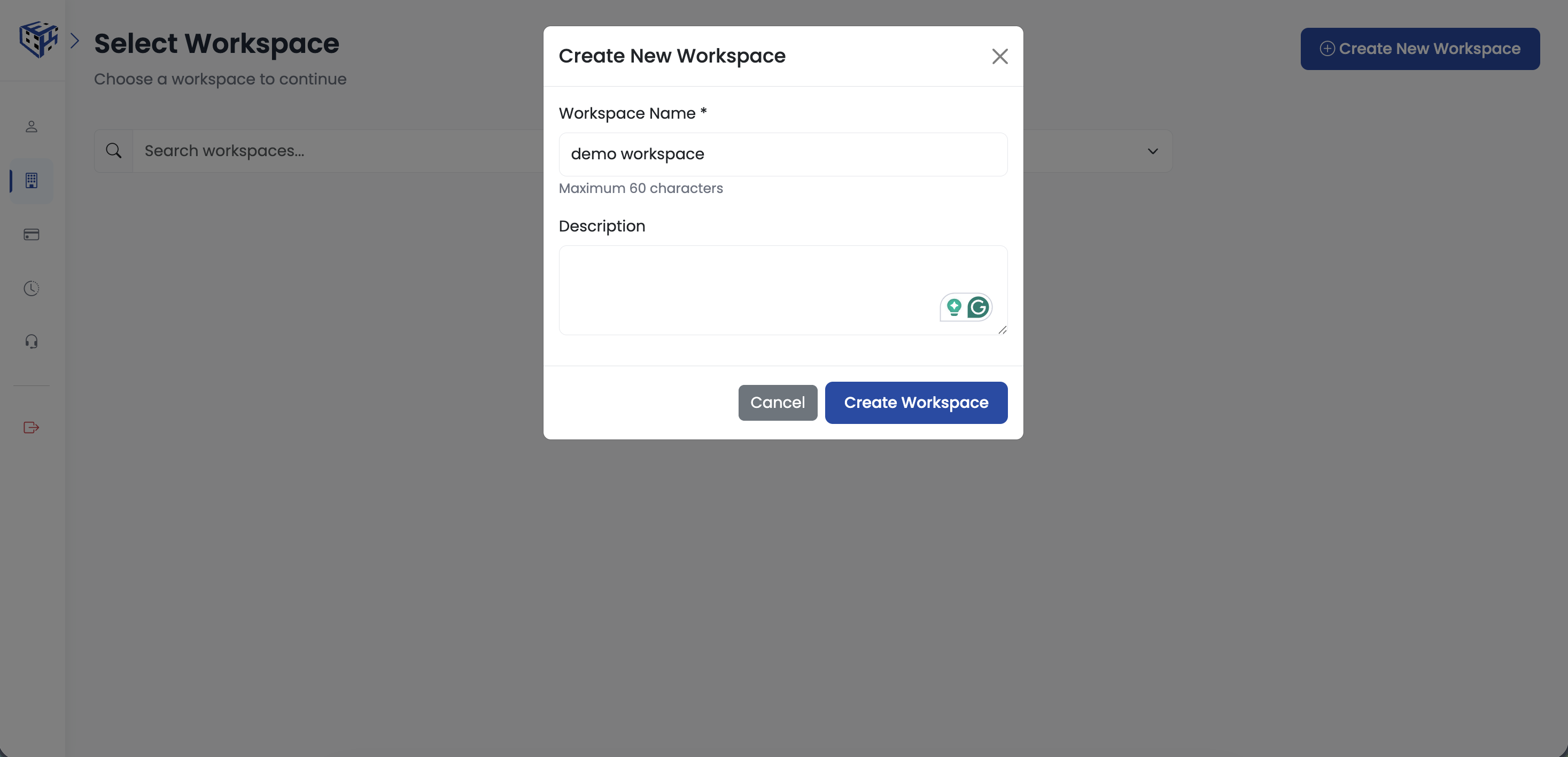
Create your first workspace
Start Creating QR Codes
After creating your workspace, you'll be redirected to your dashboard where you can start creating QR codes.
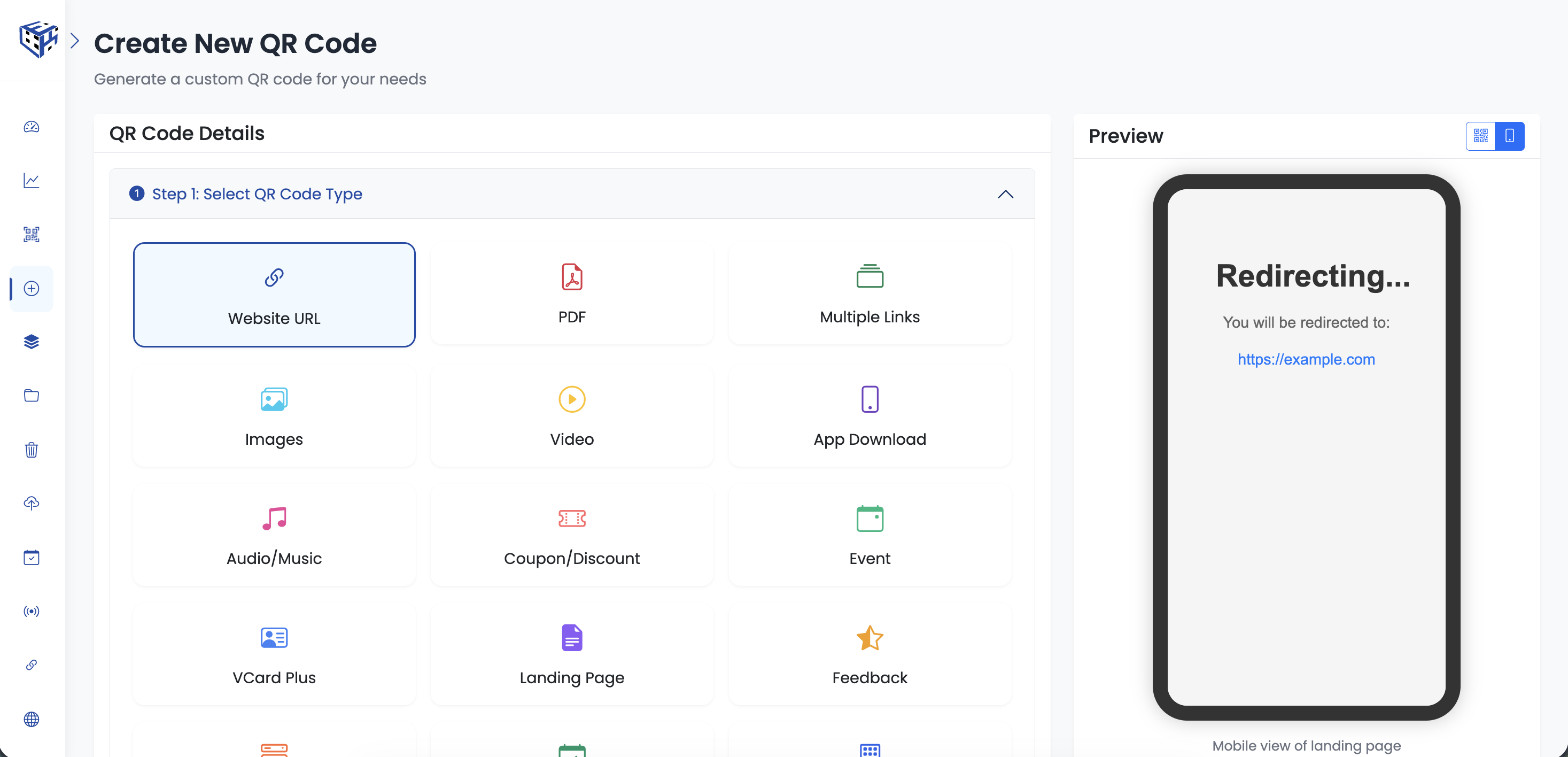
Your dashboard is ready to use
What's Included in Your Trial?
- 14 days of Growth Starter plan features
- Create unlimited dynamic QR codes
- Access to all 18 QR code types
- Real-time scan analytics
- QR code customization options
Still facing difficulties?
Click here to contact our support team for assistance