Track conversions and retarget people who scan your QR codes. Add Facebook Pixel, Google Analytics, TikTok, and 9 more platforms.
Go to Pixels
Click "Pixels" in the sidebar to access the pixel management area.
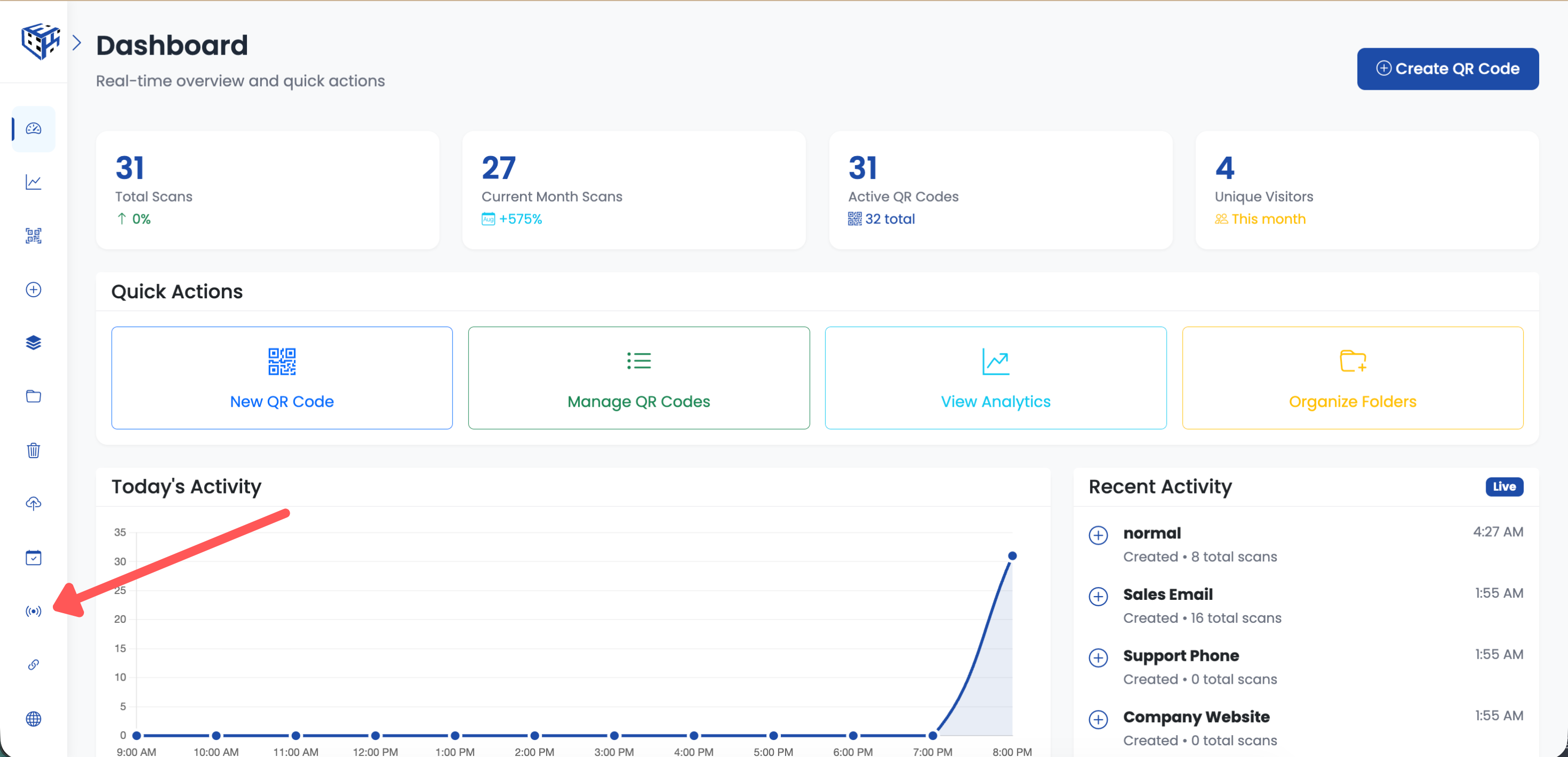
Click Pixels in the sidebar
Create New Pixel
Click the "Create New Pixel" button in the top right corner.
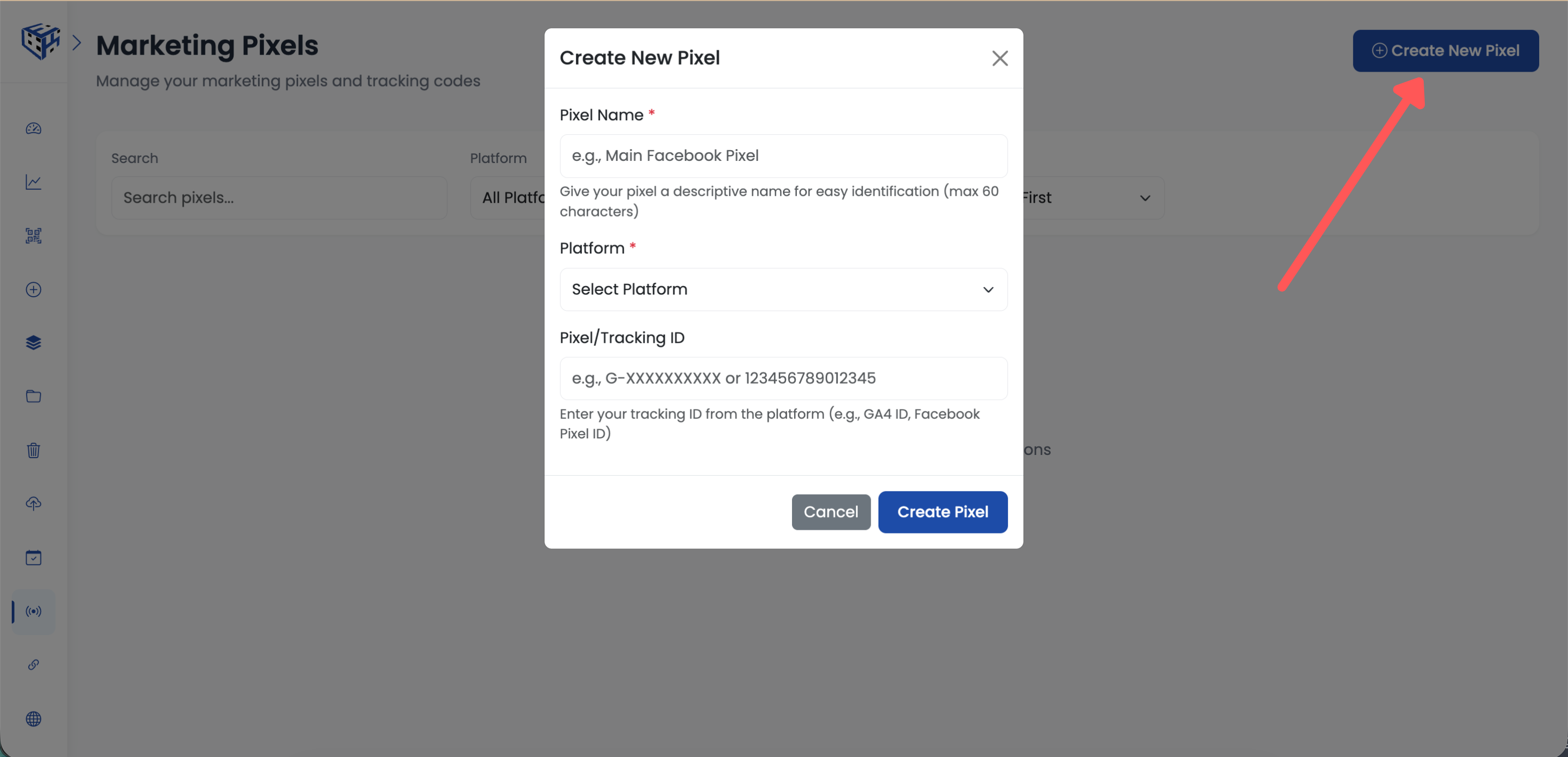
Click Create New Pixel button
Select Platform
Choose your advertising platform from the dropdown. Supported platforms: Google Analytics, Facebook, Google Ads, LinkedIn, Twitter, TikTok, Pinterest, Snapchat, Reddit, Quora, Bing, AdRoll.
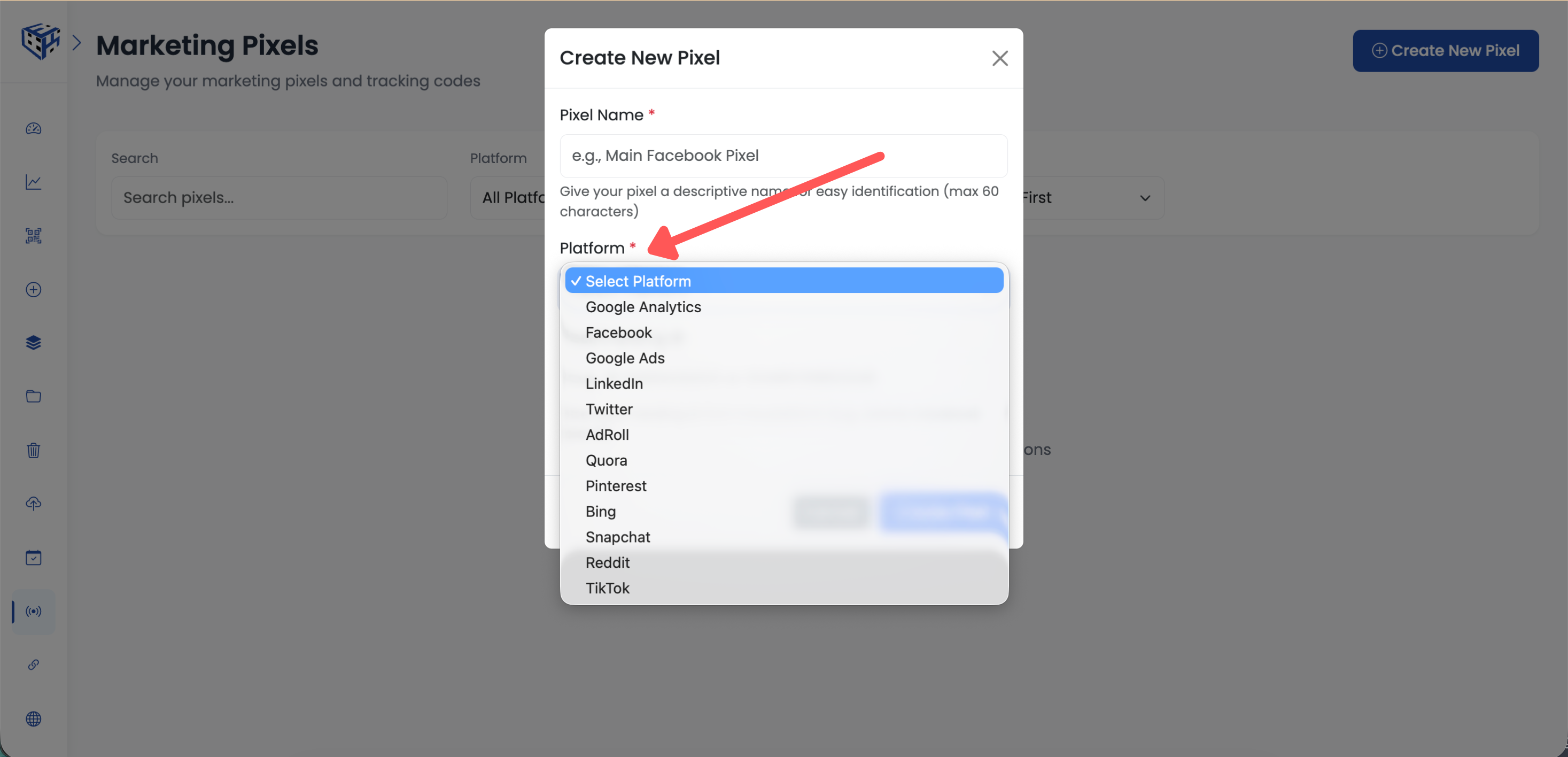
Select your advertising platform
Enter Pixel ID
Enter your Pixel/Tracking ID from the advertising platform. You can find this in your ad platform's settings.
| Platform | Where to Find ID |
|---|---|
| Facebook Pixel | Events Manager → Pixels → Pixel ID |
| Google Analytics | Admin → Data Streams → Measurement ID (G-XXXXXXX) |
| Google Ads | Tools → Conversions → Conversion ID |
| TikTok Pixel | Assets → Events → Pixel Code |
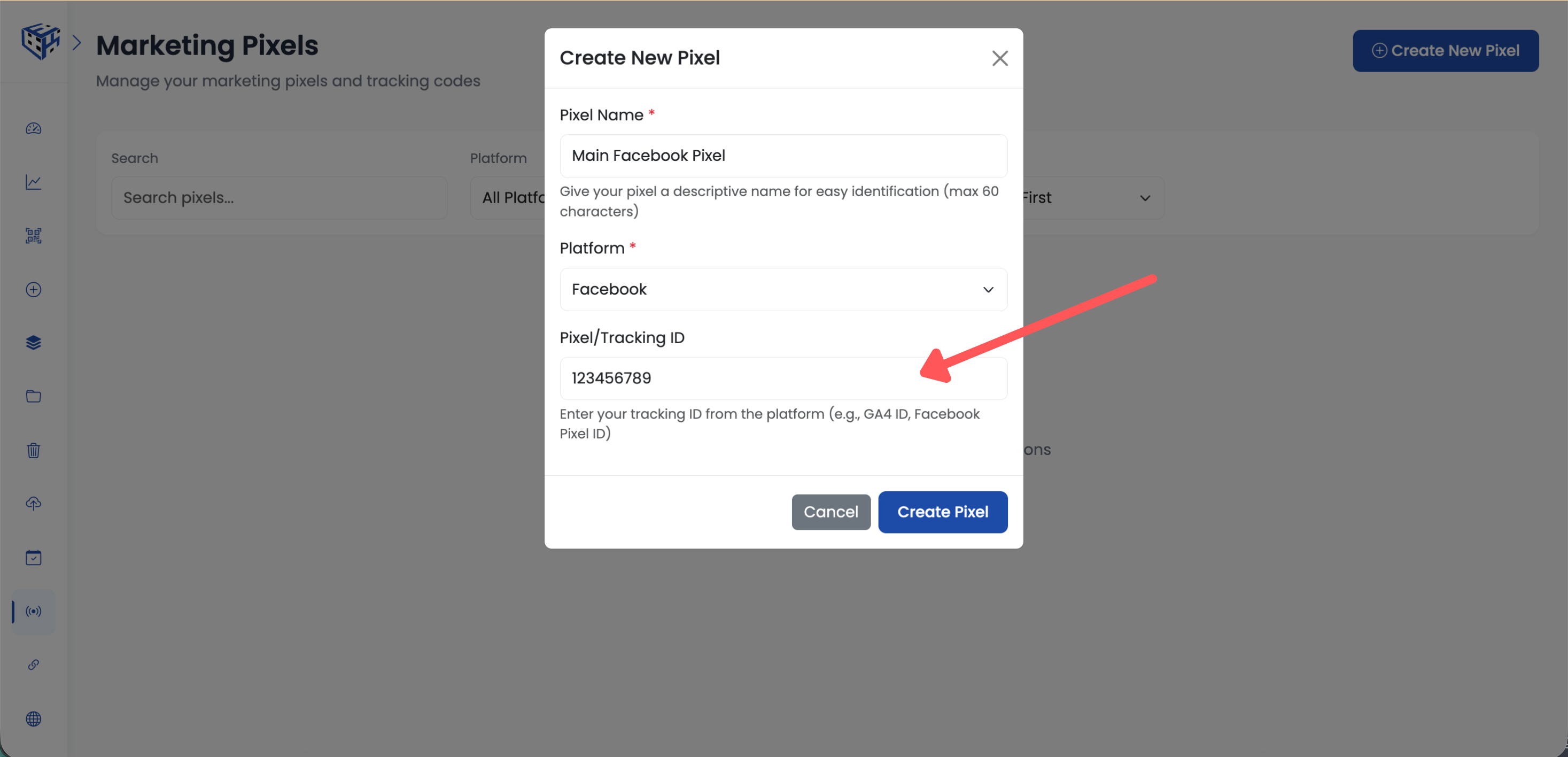
Enter your Pixel/Tracking ID
Save Pixel
Give your pixel a name (e.g., "Main Facebook Pixel") and click "Create Pixel" to save.
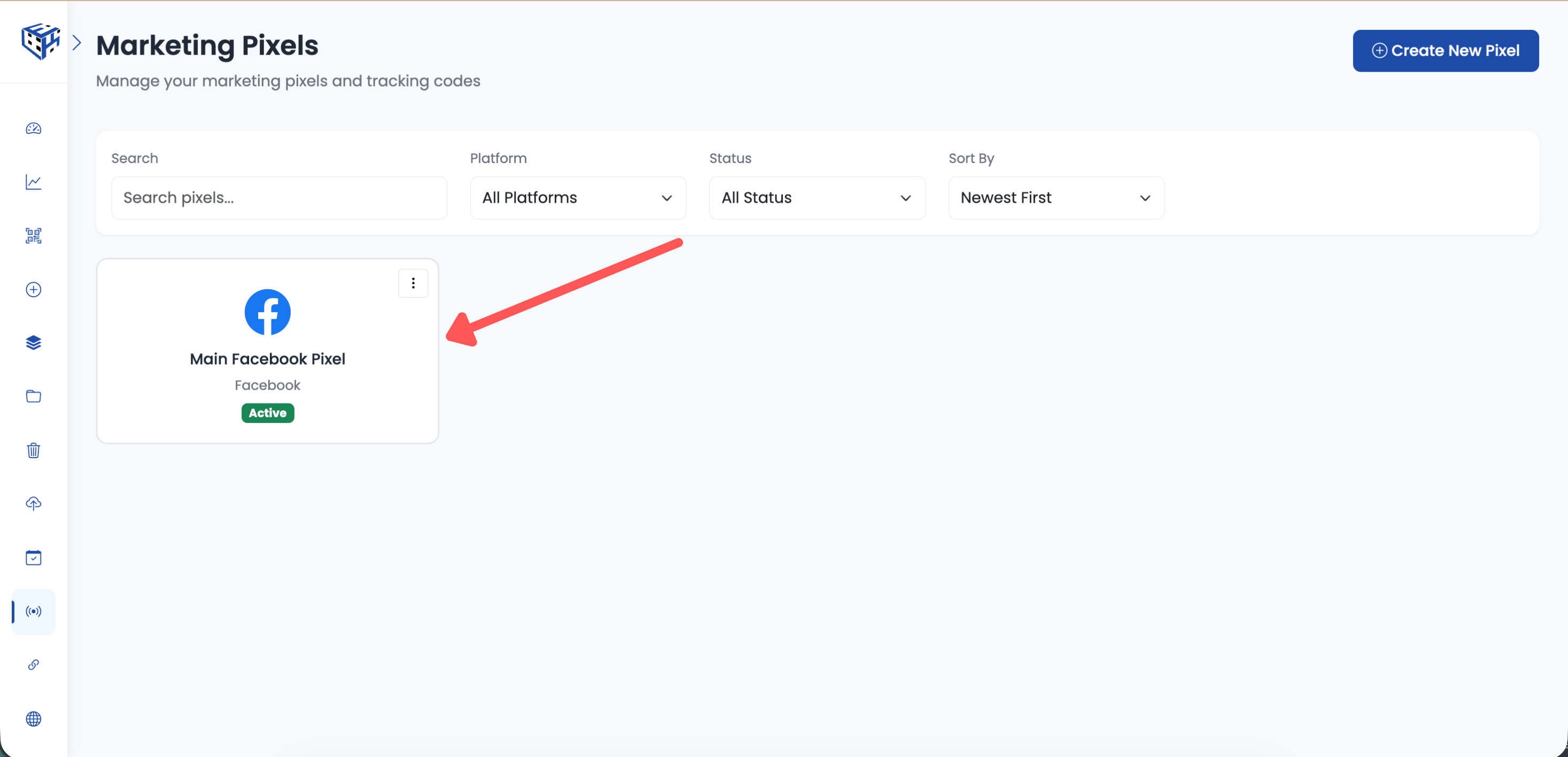
Name your pixel and click Create Pixel
Create or Edit a QR Code
Create a new QR code, or click on an existing QR code to edit it.
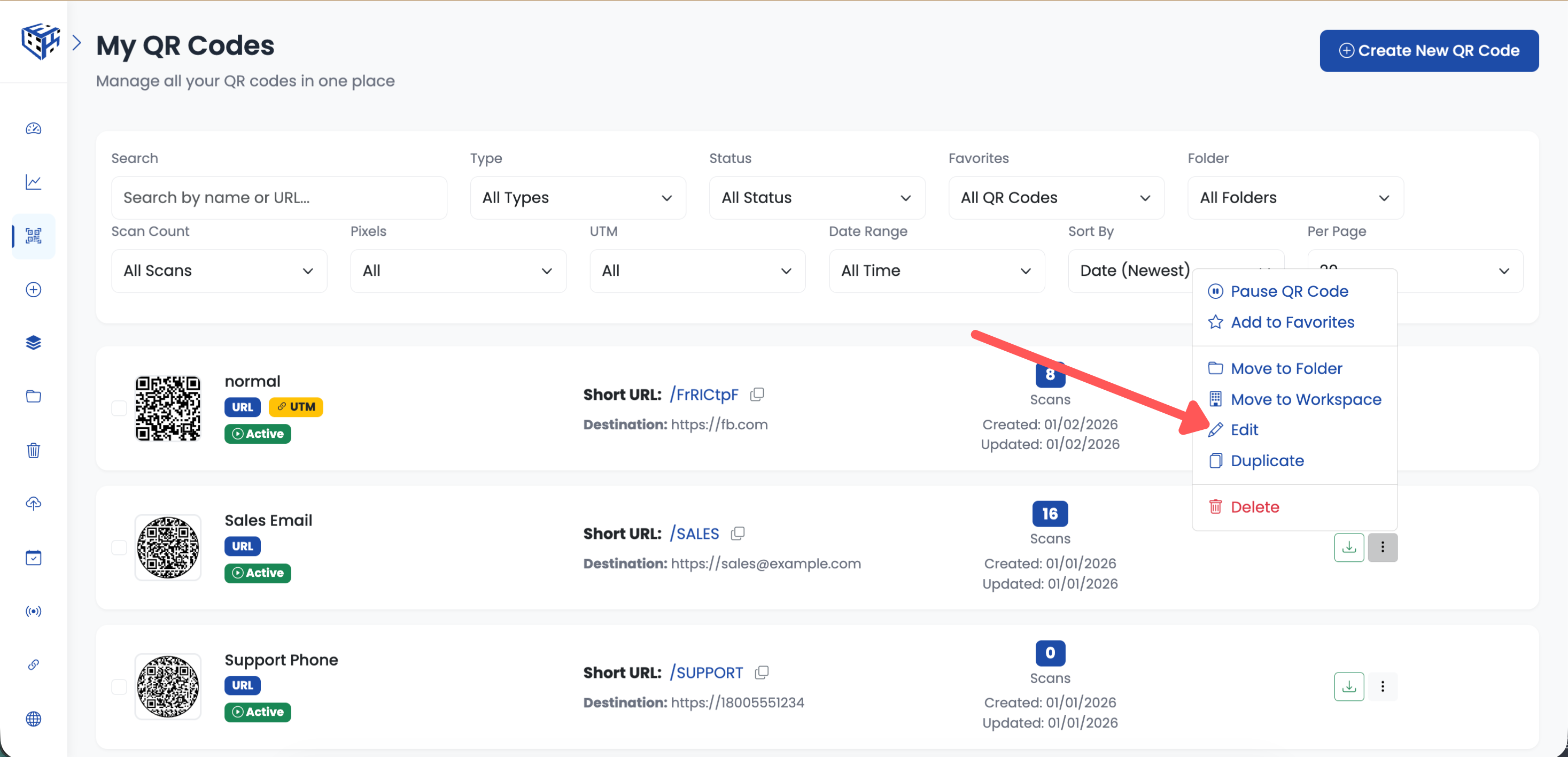
Create new or edit existing QR code
Go to Advanced Settings
Click on the Advanced Settings section to expand it.
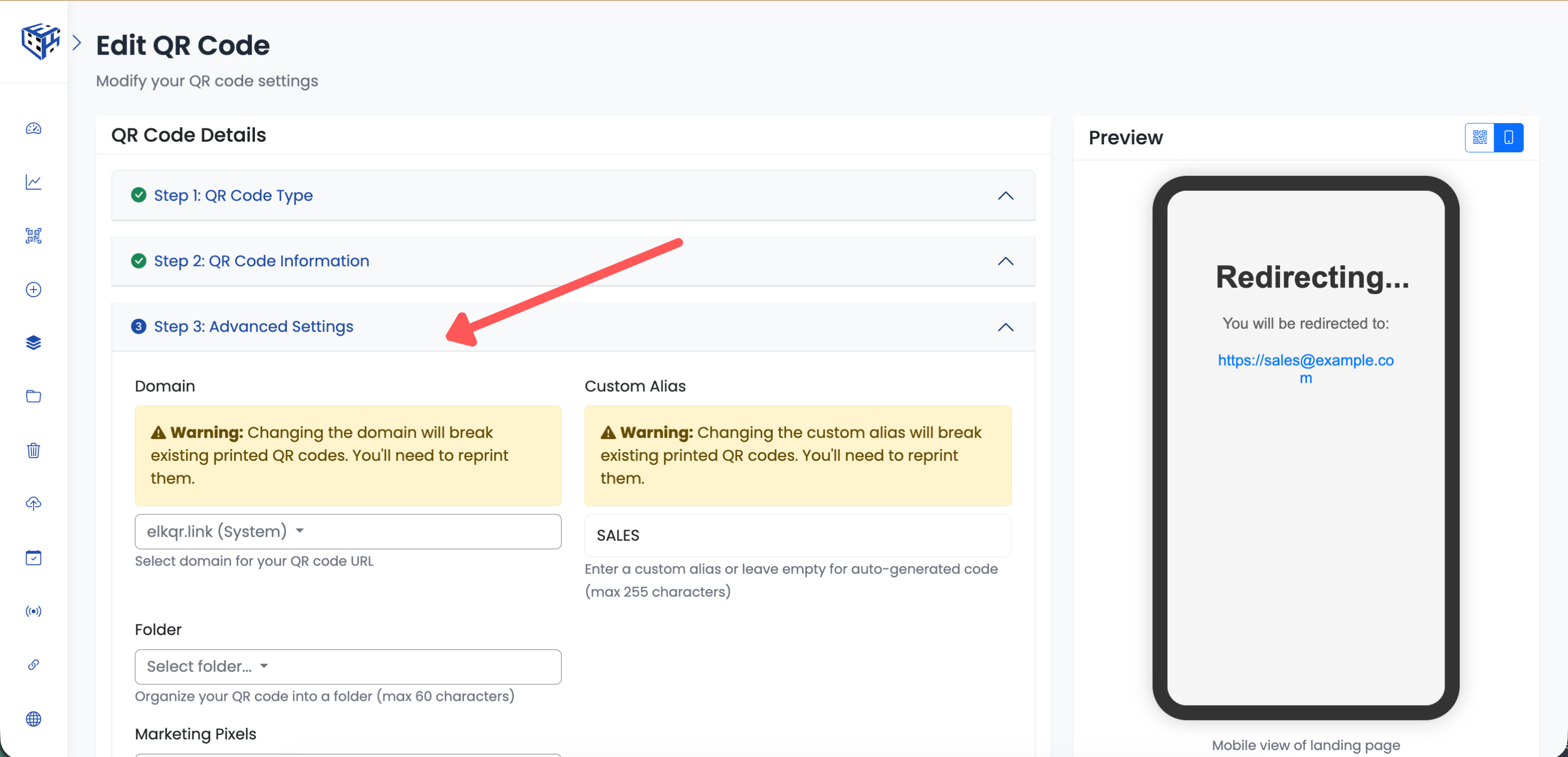
Go to Advanced Settings section
Find Marketing Pixels
Scroll down to find the "Marketing Pixels" dropdown.
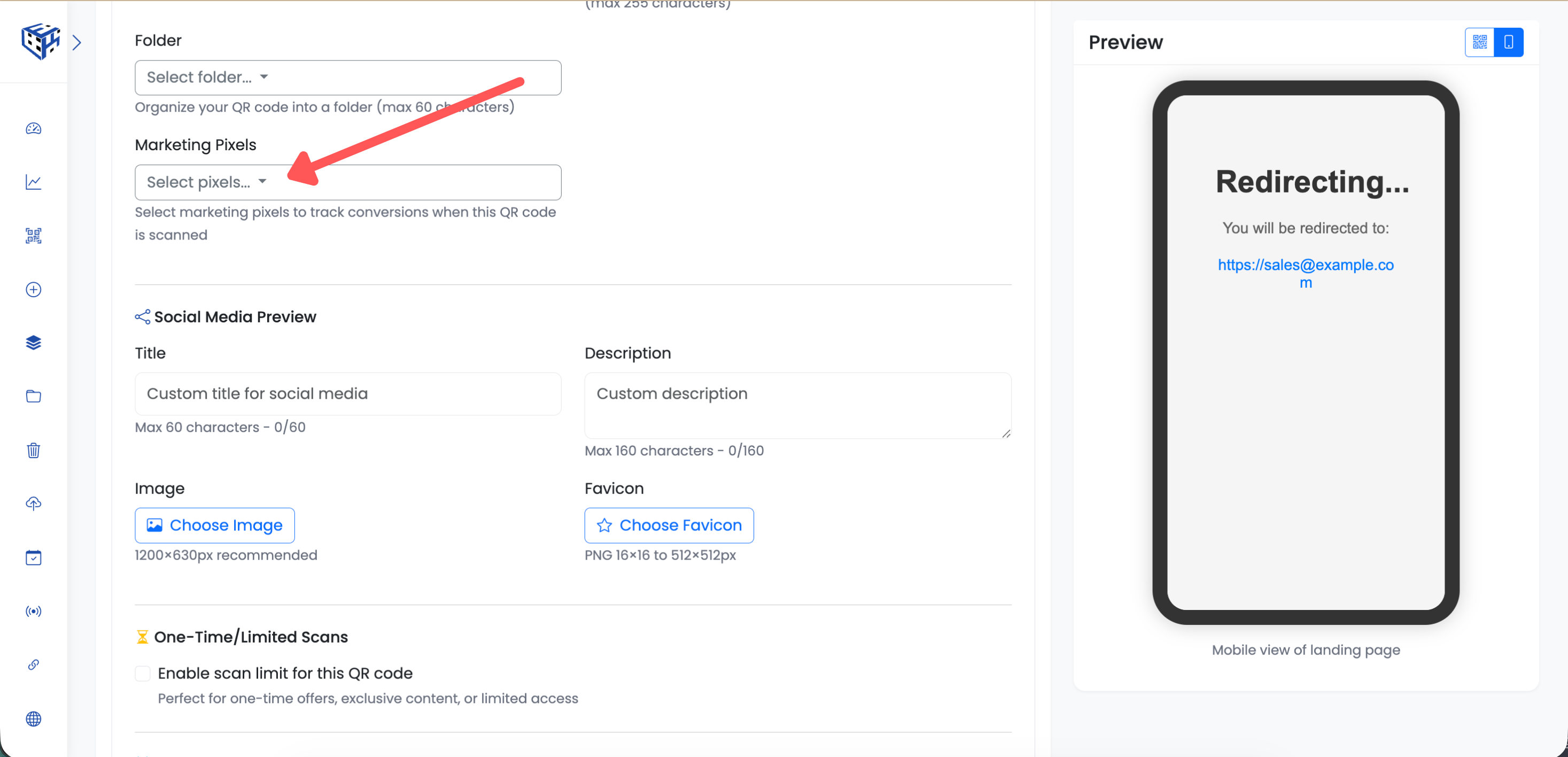
Find the Marketing Pixels dropdown
Select Your Pixel
Click the dropdown and select your pixel from the list. You can select multiple pixels to fire on the same QR code.
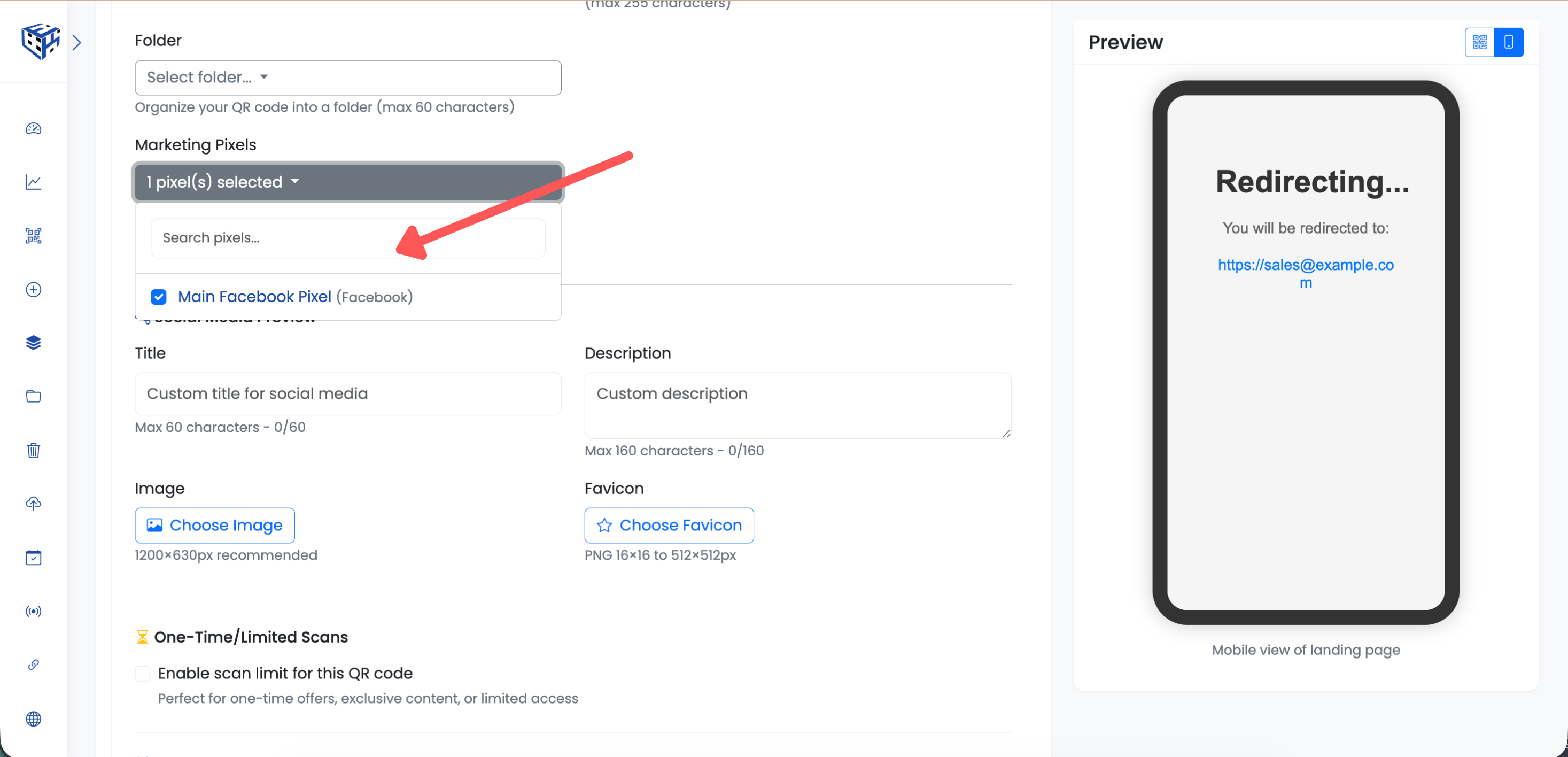
Select your pixel from the dropdown
Save Your QR Code
Click "Create QR Code" (for new) or "Update" (for existing) to save. When someone scans this QR code, your pixel will fire and add them to your retargeting audience.
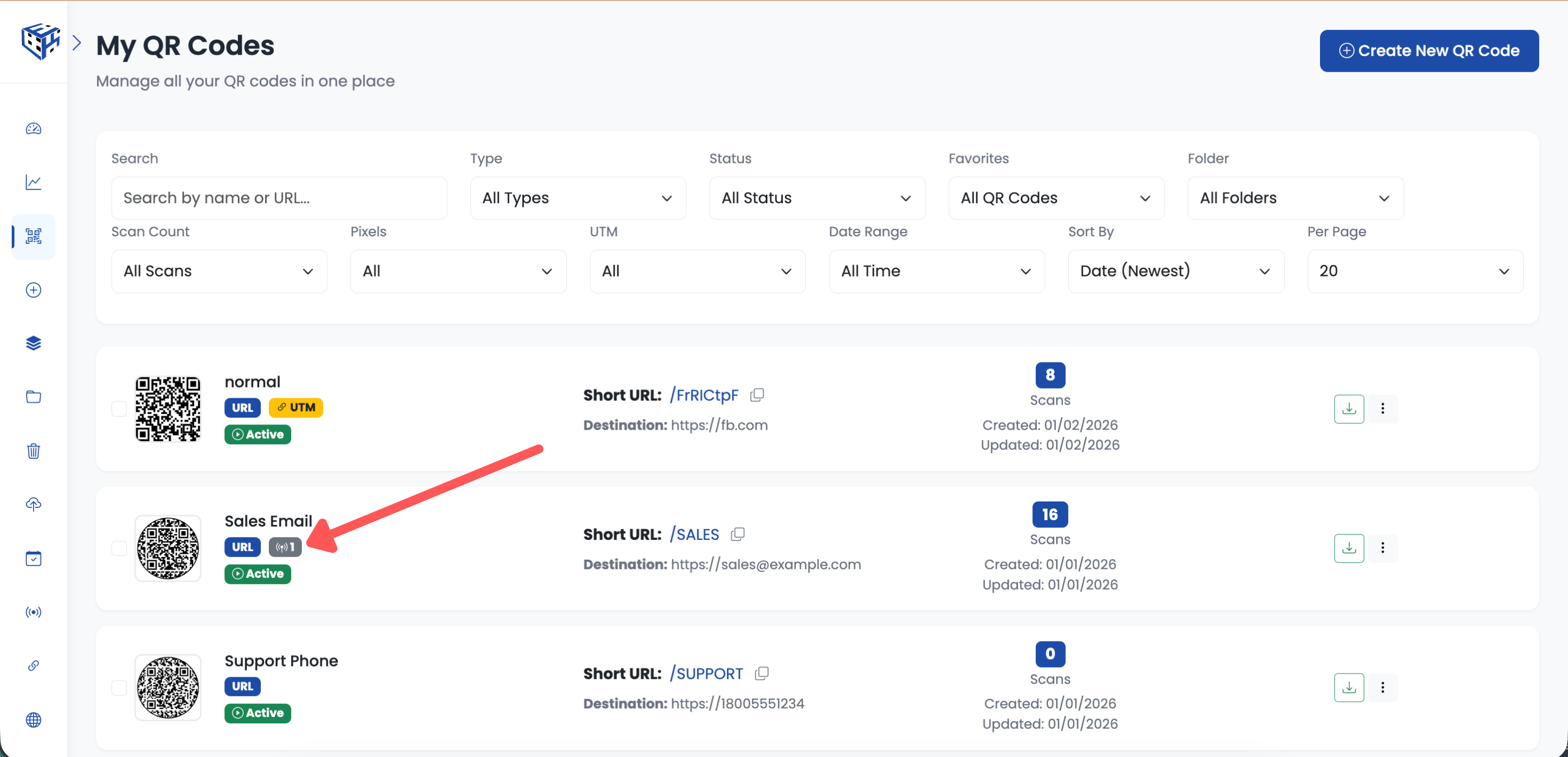
Save to attach pixel tracking
What Happens Next
When someone scans your QR code, the pixel fires in the background. That person is now added to your retargeting audience in the advertising platform. You can now show them ads on Facebook, Instagram, Google, or whichever platform you're using.
Tip
You can attach multiple pixels to the same QR code. One scan can fire Facebook Pixel, Google Analytics, AND TikTok Pixel simultaneously.
- Pixel Tracking (Retargeting) - Learn more about pixel tracking features
Still facing difficulties?
Click here to contact our support team for assistance