Not Everyone Should See This
You printed QR codes on 500 VIP membership cards. They link to an exclusive 40% discount page. Problem: Someone shares the QR code on Reddit. Now everyone has access. Your 'exclusive' offer isn't exclusive anymore.
Password protection fixes this. Even if someone shares the QR code, without the password, they see nothing. Only people who know the password get in.
One password. Complete control. Share the QR anywhere - only password holders get access.
How It Works
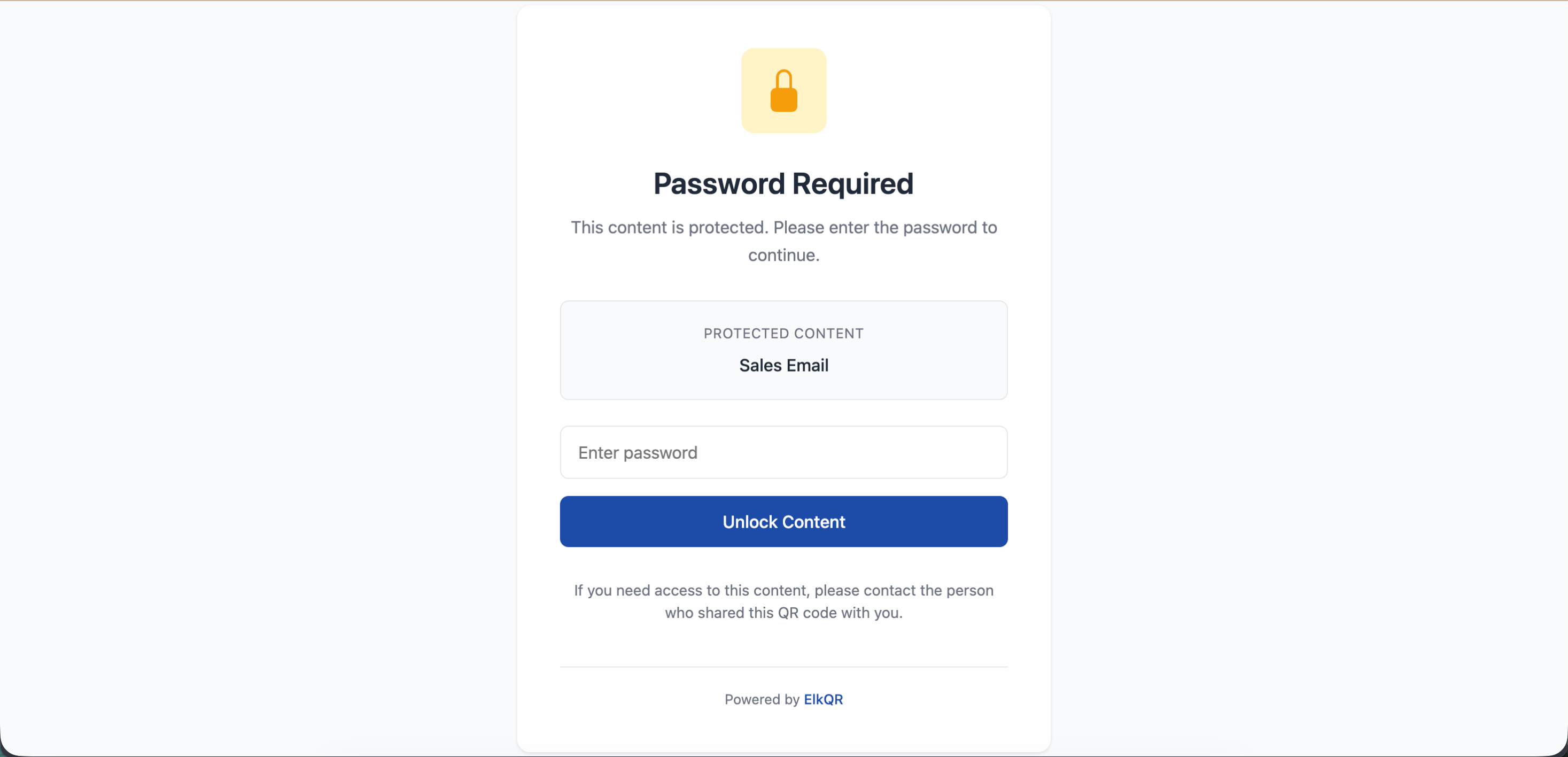
When someone scans a password-protected QR code, they don't go directly to the destination. They land on a password screen first. Enter correct password → access granted. Wrong password → access denied. Simple.
Who Uses This?
| Business | What They Protect | Password Example |
|---|---|---|
| Restaurants | VIP menu with secret dishes | Given verbally to VIP guests |
| Gyms | Members-only workout videos | Printed on membership card |
| Companies | Employee handbook, internal docs | Shared in onboarding email |
| Event planners | Backstage access info | On performer badges only |
| Teachers | Answer keys, grading rubrics | Told to TAs, not students |
| Real estate | Price sheets for serious buyers | Given after property tour |
The Best Part
- Change password anytime - old password stops working immediately
- Remove password anytime - QR becomes public instantly
- Scans still tracked - see who accessed, when, where (after password entry)
- Works with any QR type - URLs, PDFs, menus, everything
- No limit on wrong attempts - but only correct password works
Real Scenario
A restaurant created a secret late-night menu. QR codes on every table. But only regulars know the password (whispered by the bartender). When food bloggers ask, staff just smile. The mystery drives more engagement than any ad campaign could.
Another example: A company's HR team puts QR codes on office walls linking to the employee benefits portal. Password is the company's founding year. External visitors can scan all they want - they'll never get in.
Tip
Make passwords memorable but not guessable. 'VIPCLUB2025' is better than 'xK9#mP2$'. People will be typing it on phones.
Warning
Password protection isn't encryption. Don't use it for truly sensitive data like medical records or financial info. It's a gate, not a vault.
- How to Password Protect a QR Code? - Step-by-step guide to add password protection
Still facing difficulties?
Click here to contact our support team for assistance